

 Global
 Malaysia
 Indonesia
 Thailand
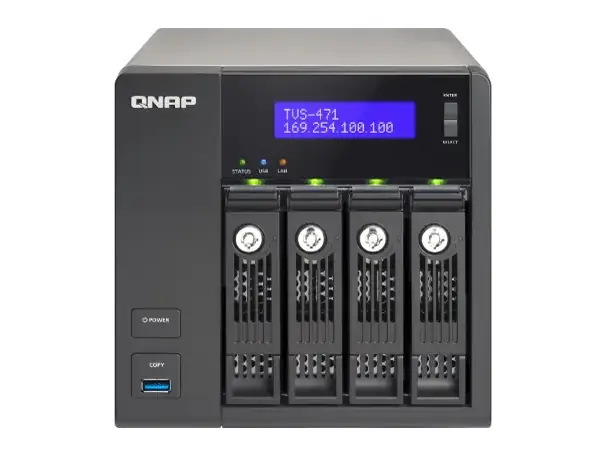
 TVS-471
QNAP TVS-471 4-bay NAS
QNAP TVS-471 4-bay NAS
The QNAP TVS-471 is a 4-bay NAS: QNAP TVS-471 4-bay NAS. It suits office file sharing and backup and video surveillance recording. Vemax Distribution Sdn Bhd supplies the TVS-471 in Malaysia through resellers and system integrators, with local warranty and pre-sales support from offices in Kuala Lumpur, Kuching, Penang and Kota Kinabalu.
- NAS storage
Supplied by Vemax Distribution Sdn Bhd, QNAP distributor in Malaysia, with local stock, warranty and RMA support.
Key features of the TVS-471
- QNAP TVS-471 4-bay NAS
Best for
- Office file sharing and backup
- Video surveillance recording
- Creative studios and media workflows
- Virtualisation and enterprise storage
TVS-471 key specifications
| CPU | Intel® Pentium G3250 2-core 3.1 GHz processor |
|---|---|
| Memory | 4 GB DDR3 RAM |
| Maximum memory | 16 GB (2 x 8 GB) |
| Drive bays | 4 x 3.5-inch SATA 6Gb/s, 3Gb/s |
| PCIe slots | 2 (1* PCIe Gen 3 x8, 1* PCIe Gen 2 x4) |
| Form factor | Tower |
| CPU | Intel® Pentium G3250 2-core 3.1 GHz processor |
| Memory | 4 GB DDR3 RAM |
| Dimensions | 177 × 180 × 235 mm |
Full technical specifications
| CPU | Intel® Pentium G3250 2-core 3.1 GHz processor |
|---|---|
| CPU Architecture | 64-bit x86 |
| Graphic Processors | Intel® HD Graphics for 4th Generation Intel® Processors |
| System Memory | 4 GB DDR3 RAM |
| Maximum Memory | 16 GB (2 x 8 GB) |
| Memory Slot | 2 x DDR3 SODIMM When upgrading RAM, the original RAM module in the upgradable slot must be removed. For the information of RAM module installation and compatible NAS models, please refer to the QNAP RAM Module Installation Guide. |
| Flash Memory | 512MB (DOM for dual OS) |
| Drive Bay | 4 x 3.5-inch SATA 6Gb/s, 3Gb/s The standard system is shipped without hard drives. For the HDD compatibility list, please visit https://www.qnap.com/compatibility/ |
| Drive Compatibility | 3.5-inch SATA hard disk drives 2.5-inch SATA hard disk drives 2.5-inch SATA solid state drives |
| Gigabit Ethernet Port (RJ45) | 4 For a list of compatible network adapters, please visit the Compatibility List. For instructions on how to install network adapters, please refer to Chapter 6 of the QNAP NAS Hardware Manual. |
| PCIe Slot | 2 (1* PCIe Gen 3 x8, 1* PCIe Gen 2 x4) |
| USB 2.0 port | 2 |
| USB 3.2 Gen 1 port | 3 |
| HDMI™ Output | 1 (4K) |
| Form Factor | Tower |
| LED Indicators | HDD 1-4, Status, USB, LAN |
| Buttons | Power, Reset, USB Auto Copy |
| Dimensions (HxWxD) | 177 × 180 × 235 mm |
| Weight (Net) | 4.56 kg |
| Weight (Gross) | 5.7 kg |
| Operating Temperature | 0 - 40 °C (32°F - 104°F) |
| Storage Temperature | -20 - 70°C (-4°F - 158°F) |
| Relative Humidity | 5-95% RH non-condensing, wet bulb: 27˚C (80.6˚F) |
| Power Supply Unit | Input: 100-240V AC, 50/60Hz Output: 250W |
| Power Consumption: Disk Standby Mode | 28.39 W |
| Power Consumption: Operating Mode, Typical | 49.38 W Tested fully populated with WD WD20EFRX hard drives. |
| Fan | 2 x quiet cooling fan (90mm, 12VDC) |
| System Warning | Buzzer |
| Max. Number of Concurrent Connections (CIFS) - with Max. Memory | 1500 |
| CPU | Intel® Core™ i3-4150 2-core 3.5 GHz processor |
| CPU Architecture | 64-bit x86 |
| Graphic Processors | Intel® HD Graphics 4400 |
| Encryption Engine | (AES-NI) |
| System Memory | 4 GB DDR3 RAM |
| Maximum Memory | 16 GB (2 x 8 GB) |
| Memory Slot | 2 x DDR3 SODIMM When upgrading RAM, the original RAM module in the upgradable slot must be removed. For the information of RAM module installation and compatible NAS models, please refer to the QNAP RAM Module Installation Guide. |
| Flash Memory | 512MB (DOM for dual OS) |
| Drive Bay | 4 x 3.5-inch SATA 6Gb/s, 3Gb/s The standard system is shipped without hard drives. For the HDD compatibility list, please visit https://www.qnap.com/compatibility/ |
| Drive Compatibility | 3.5-inch SATA hard disk drives 2.5-inch SATA hard disk drives 2.5-inch SATA solid state drives |
| Gigabit Ethernet Port (RJ45) | 4 For a list of compatible network adapters, please visit the Compatibility List. For instructions on how to install network adapters, please refer to Chapter 6 of the QNAP NAS Hardware Manual. |
| PCIe Slot | 2 (1* PCIe Gen 3 x8, 1* PCIe Gen 2 x4) |
| USB 2.0 port | 2 |
| USB 3.2 Gen 1 port | 3 |
| HDMI™ Output | 1 (4K) |
| Form Factor | Tower |
Specifications from QNAP. Subject to change by the manufacturer; check the official datasheet for the latest details.
TVS-471 questions
Where can I buy the QNAP TVS-471 in Malaysia?
Vemax Distribution Sdn Bhd is the official QNAP distributor in Malaysia. Resellers and system integrators can buy the TVS-471 directly from Vemax through our offices in Kuala Lumpur, Selangor, Penang, Sabah and Sarawak. Contact us at +60 16-874 7515 or sales@vemaxdistribution.com. End users can buy the TVS-471 from our authorised resellers and system integrators across Malaysia. Get in touch and we will connect you with one near you.
What is the price of the QNAP TVS-471 in Malaysia?
Pricing depends on quantity and project size. Request a quote from Vemax for the latest TVS-471 price in Malaysia. Registered resellers receive dealer pricing.
Does the TVS-471 come with a Malaysian warranty?
Yes. Units supplied by Vemax carry the official QNAP warranty with local RMA handled in Malaysia, so there is no need to send products overseas.
Can I become a QNAP reseller in Malaysia?
Yes. Vemax works with IT resellers, ELV contractors and system integrators across Malaysia. Register through the contact form to get dealer pricing, demo units and technical training.
Related QNAP products
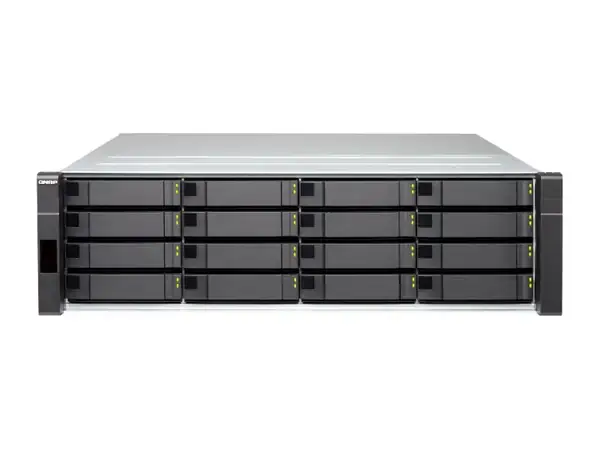 QNAP ES1640dcQNAP ES1640dc NAS storage
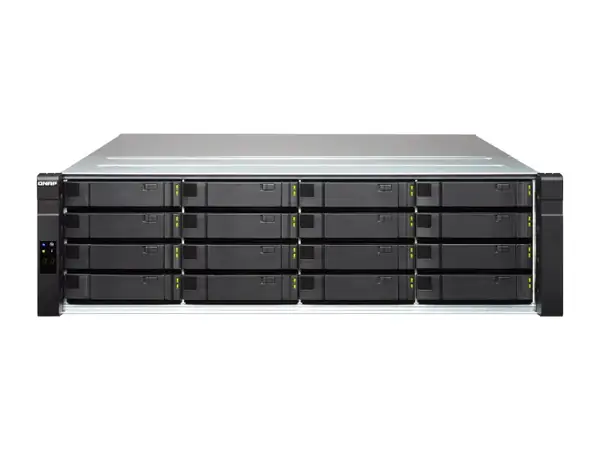 QNAP ES1640dc v2QNAP ES1640dc v2 16-bay NAS
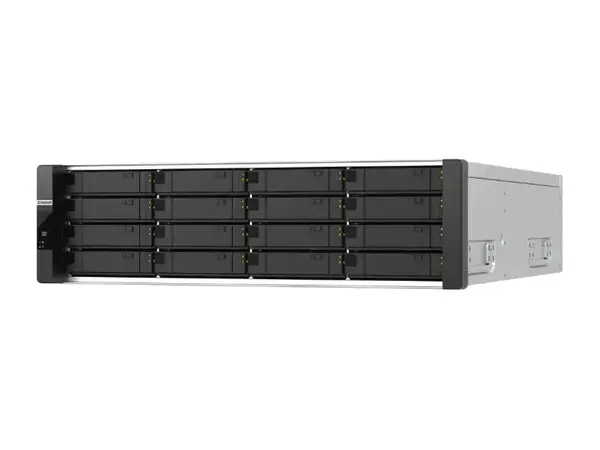 QNAP ES1686AdcDowntime and forklift upgrades are the two costs that enterprise storage budgets rarely account for.
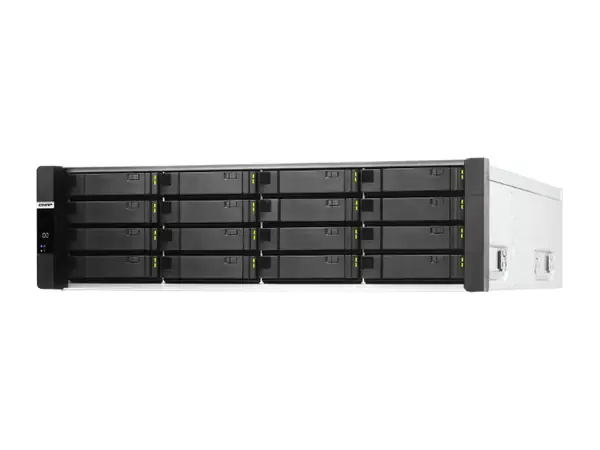 QNAP ES1686dcDelivering enterprise high availability, the ES1686dc Enterprise ZFS NAS features Intel® Xeon® D processors, dual active controllers, up to 512 GB DDR4 ECC memory, SAS…